Copy an Assignment
Site Admins can copy any assignment in the platform. Learning Admins can copy assignments they created for their audiences and the learners within their audiences.
Please note, if you copy a recurring assignment, it gets copied as a one-time assignment. You can select to make the copy a recurring assignment with new recurring details.
- From the left navigation bar, select Learning > Assignments. The Assignments page displays.
- Use the search to locate the assignment you wish to edit and click
 >
>  Copy.
Copy. - Select Yes.
- In the assignment list, locate the assignment copy you just created.
- Select the Actions menu
 >
>  Edit.
Edit. - Edit the assignment.
The following message displays:
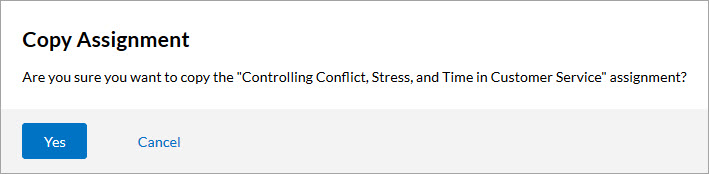
For the example above, the name of the assignment would be Controlling Conflict, Stress, and Time in Customer Service-copy.
Note: When you copy an assignment, a new assignment is created in Draft status using the original assignment’s settings, excluding any retired content. The original users and audiences are carried over and can be removed or changed before launch. While the assignment remains in Draft status, the Assigned Users count shows 0 because no users have received the assignment yet.