AI Coach Emails
AI Coach is designed to help your learners receive one-on-one coaching so they can pursue their professional goals and advance in their careers. AI Coach is turned off by default for your Skillsoft Percipio Platform. If AI Coach is turned on for all or some users in your organization, those learners receive emails from AI Coach. You can customize the emails your learners receive from AI Coach.
To access AI Coach email settings:
- From the left navigation bar, select Emails & Notifications.
- Select the Settings tab, then Email Campaign Settings.
- Locate the AI Coach Emails section.
You see the following settings for AI Coach emails:
- AI Coach emails: This setting is turned on by default and can not be turned off. If AI Coach is turned off for all or some users in your organization, they do not receive any AI Coach emails.
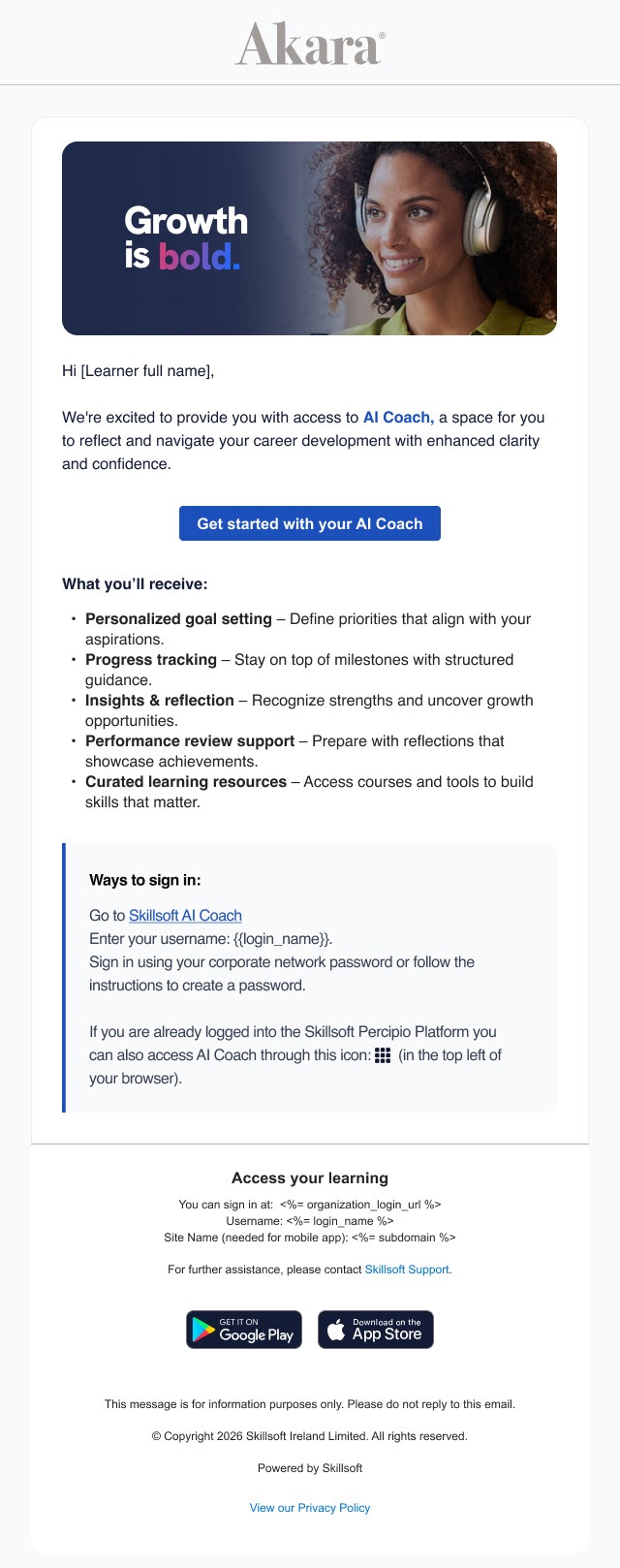
- Access emails: This settings is turned on by default. When this setting is on, learners receive an email 24 hours after they gain access to AI Coaching, i.e., when AI Coaching is turned on for all users or for their specific audience. If learners do not access AI Coach, they receive additional reminder access emails every week for up to three weeks or until they login. If this setting is turned off, learners do not receive an email to notify them of their access to AI Coaching.
- Engagement emails: This setting is turned on by default. When this setting is on, learners receive emails from AI Coach about upcoming tasks pertaining to their coaching. This helps keep learners engaged with coaching. When this setting is turned off, learners do not receive any engagement emails from AI Coach. The different engagement emails your learners may receive include:
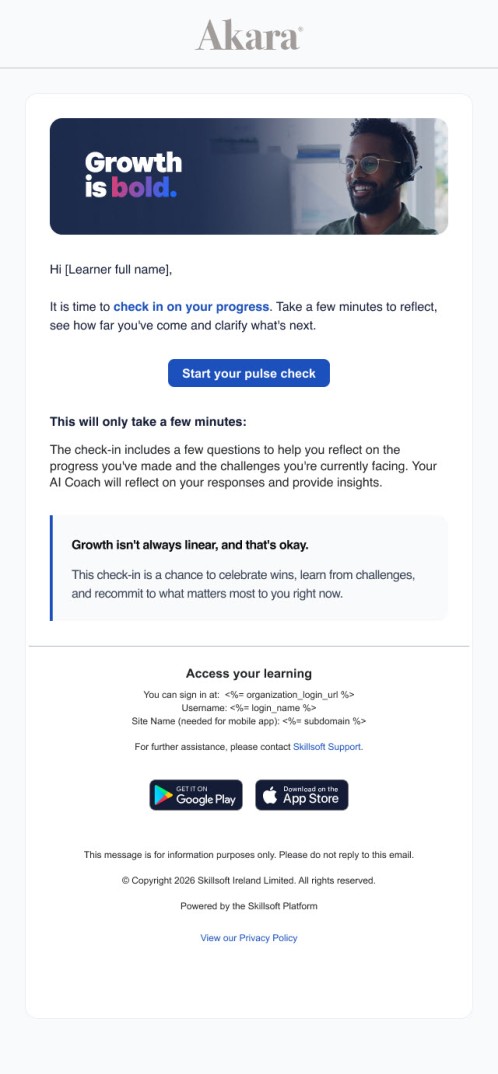
- Pulse check emails: Learners receive this email when a pulse check comes up on their to-do list. They receive one reminder email 7 days after the initial email if they have not yet completed the pulse check. The frequency that learners complete pulse checks is set by your organization.
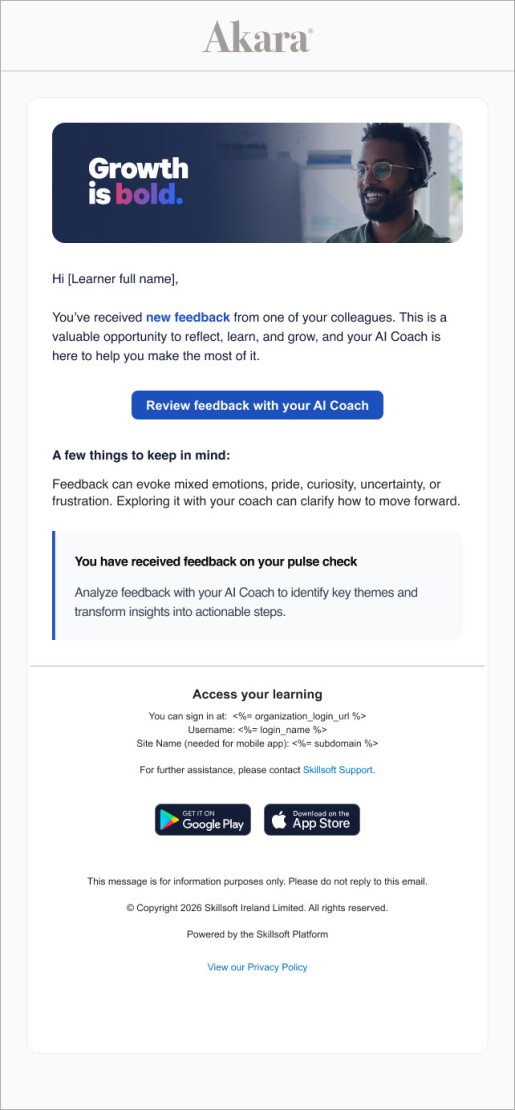
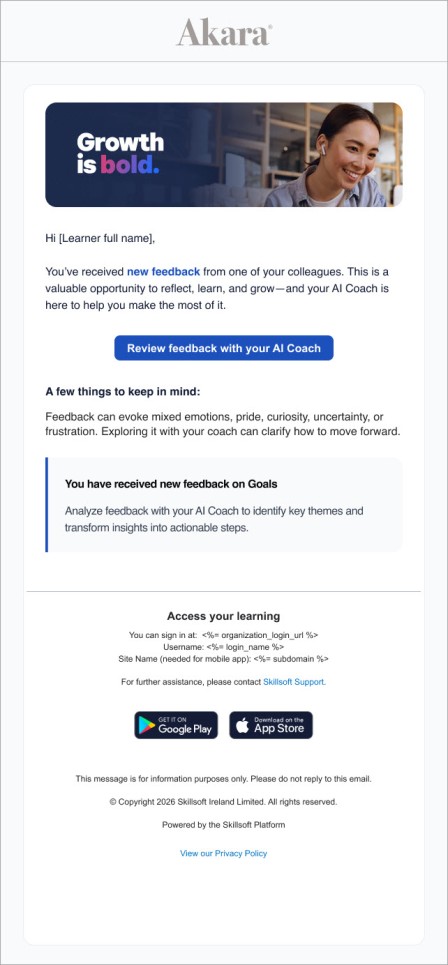
- Review feedback emails: These emails are sent on Tuesdays and Fridays only, and notify learners if they received new feedback from a manager or colleague.
- Goal feedback received emails: Learners receive these emails when a manager submits feedback on one of their goals.
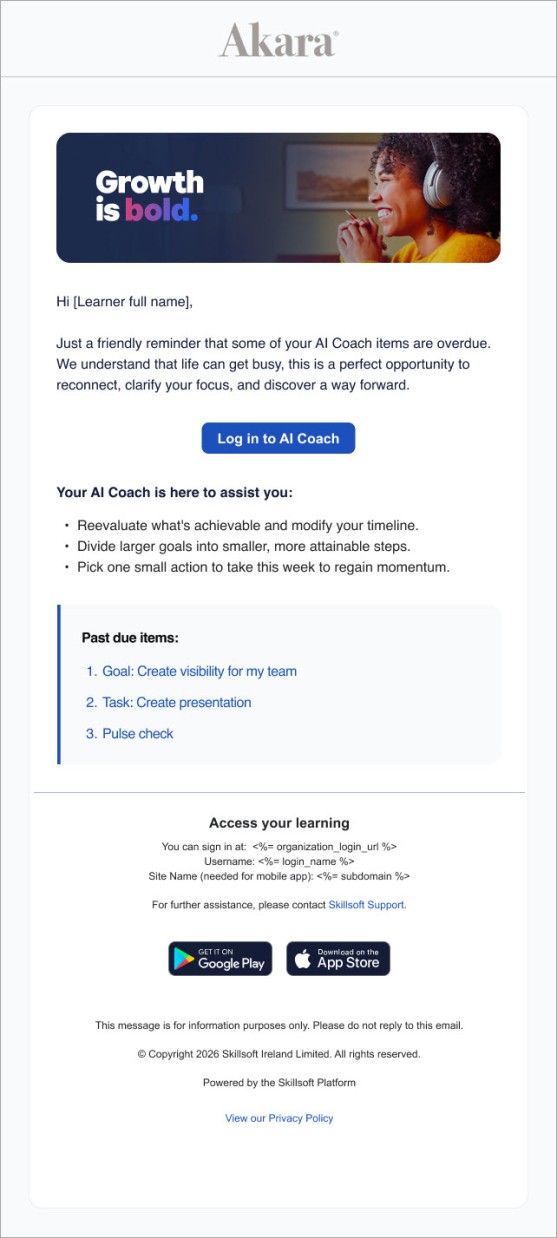
- Overdue emails: These emails remind learners that they have overdue tasks, goals or pulse checks. These emails are sent on Tuesdays to any learner that has overdue items to complete.
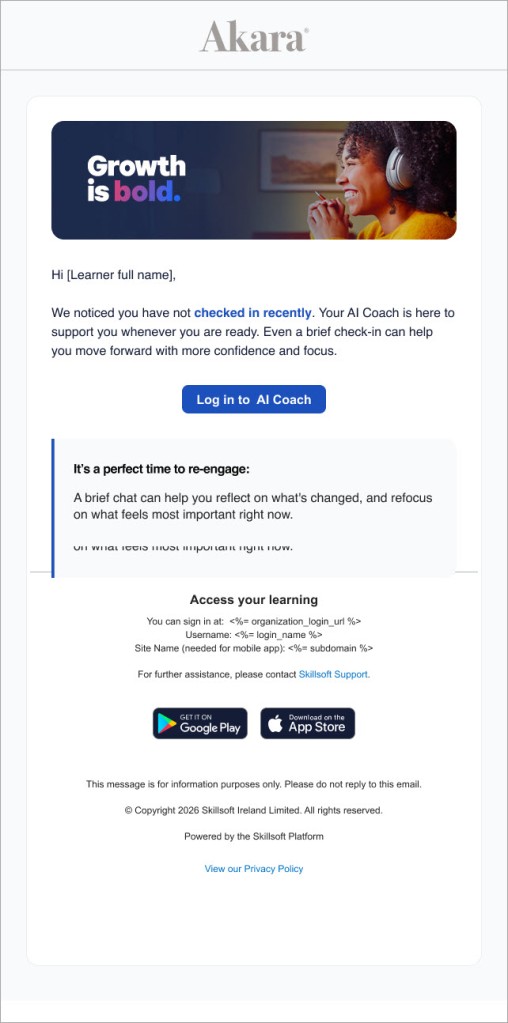
- Nudge emails: These emails are sent o if the learner has not accessed AI Coach in 30 days. They continue to send weekly for up to 8 weeks, or until the learner accesses AI Coach. Nudge emails are always sent out on Tuesdays. Nudge emails are not sent if the learner receives an overdue email in the same week.
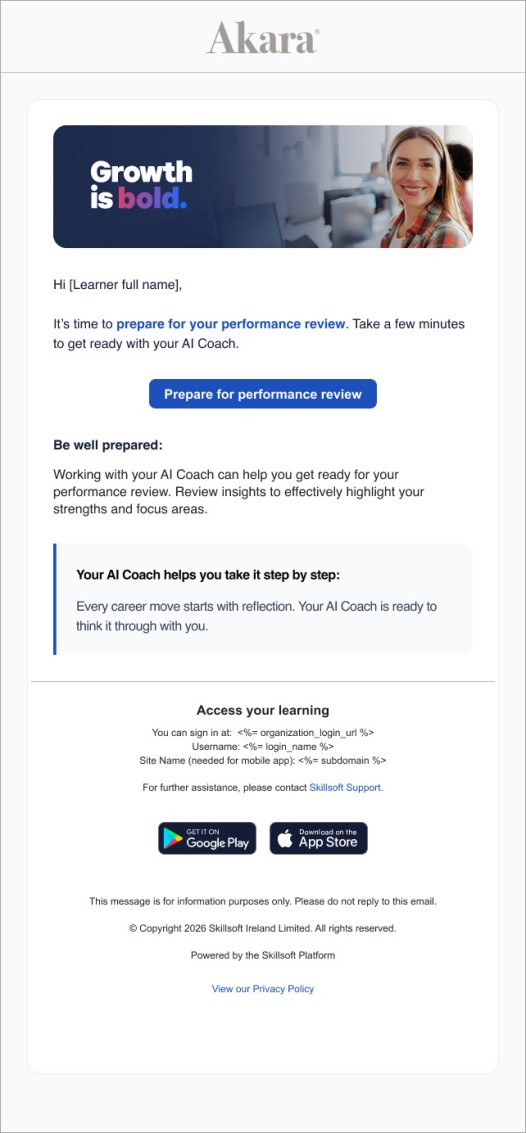
- Performance review emails: These emails notify learners that they have an upcoming performance review. Learners receive this email 24 hours after the task becomes available on their to-do list. They receive an additional email 7 days later if they have not started to prepare with their coach.
- Request feedback emails: This setting is turned on by default and can not be turned off. If the setting to allow learners to invite managers and/or colleagues to give them feedback is turned on, invitees receive emails from AI Coach when a learner requests their feedback. These emails are the only way managers and colleagues are notified that someone is requesting their feedback so it cannot be turned off. The different request emails include:
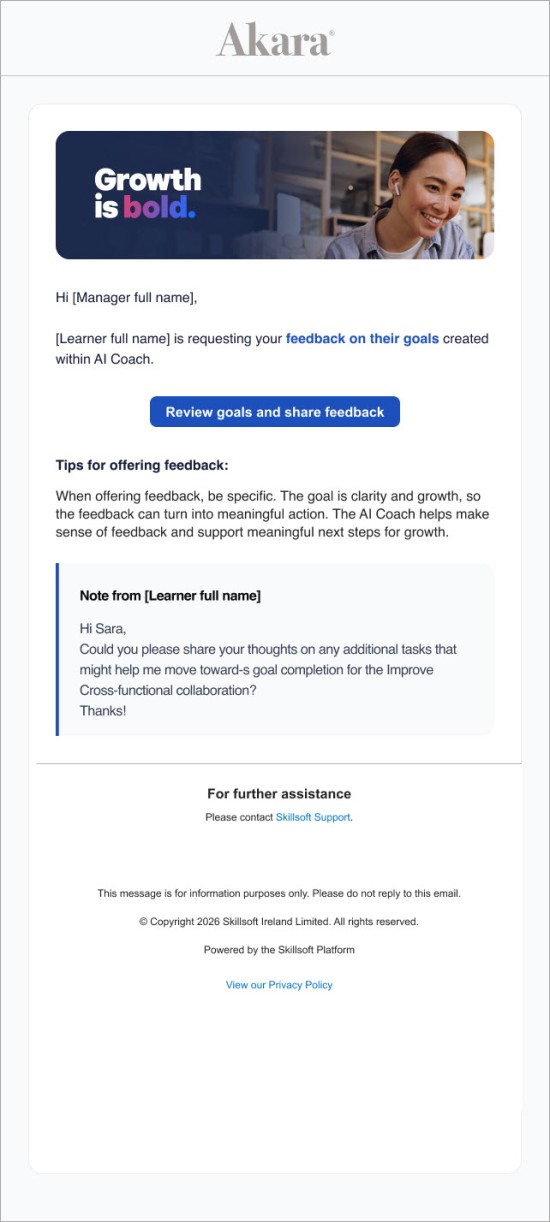
- Goals feedback request emails: Managers receive this email when learners request their feedback on goals. Managers receive one reminder email 7 days after the initial email if they have not yet submitted feedback.
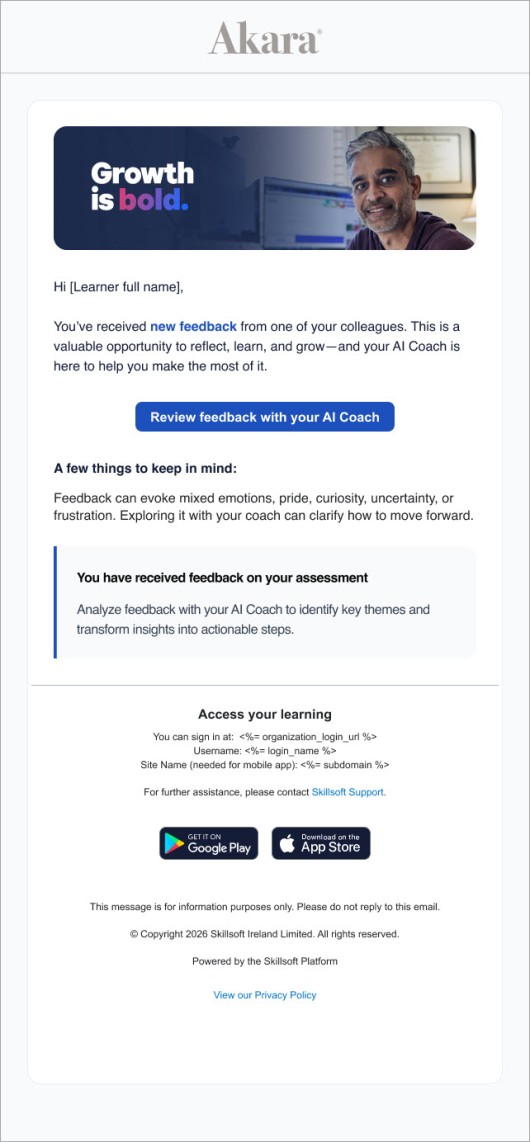
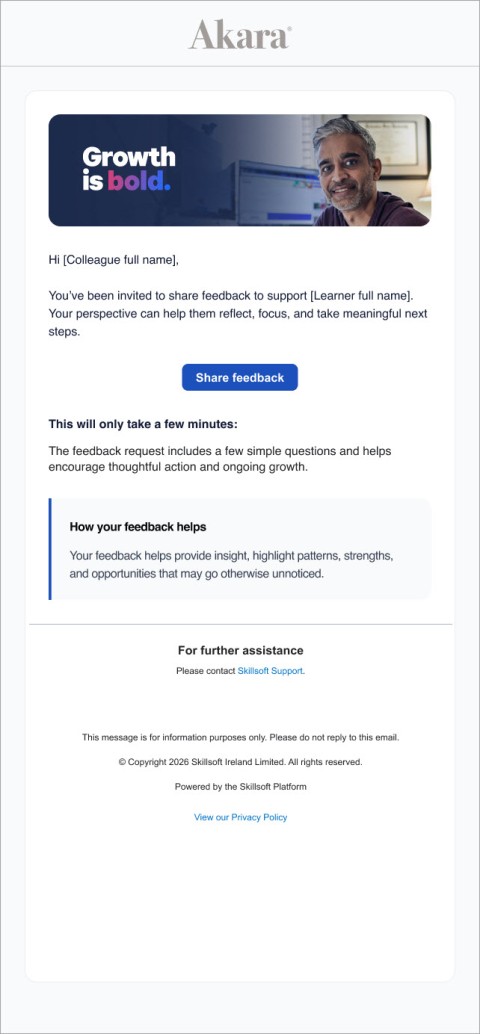
- Feedback request emails: Managers receive these emails when a learner requests feedback on a pulse check or assessment. Colleagues receive these emails when a learner requests feedback on an assessment. One initial email is sent when the learner requests feedback. Up to three reminders emails are sent three business days apart and stop when the manager or colleague submits feedback.
 Access email example