Configure the Program
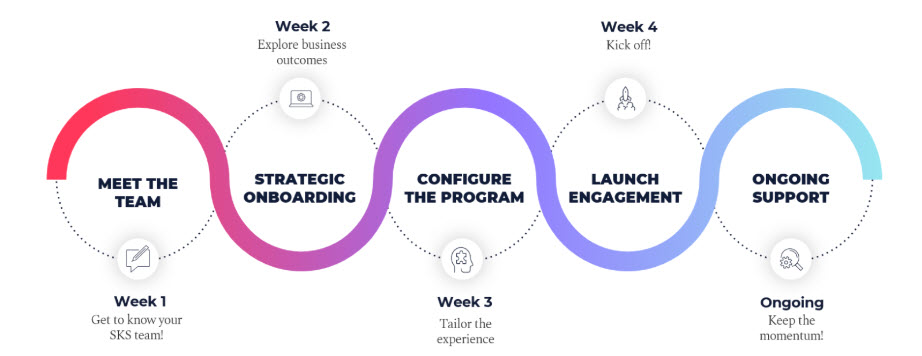
Program Configuration Work Session
Customizing your coaching program lets you make it truly yours. Your CSM will help you choose options like:
- Assessments: Select questions that align with your organization's leadership competencies.
- Engagement Survey: Tailor feedback to gather the most relevant insights.
- Branding: Add your logo for a familiar, on-brand experience.
- Manager Feedback: Allows you to have check-in messages automatically sent to managers.
- Single Sign-On (SSO): Enable simple, hassle-free logins.
Finalize Custom Elements
After the Program Configuration work session, consult your internal stakeholders to finalize custom elements of your coaching program. After this, your account team will confirm all customization.
In order to get internal stakeholder aligned:
- Tailor your message: Use language that will resonate with stakeholders, and keep your message simple.
- Use collaboration tools: Create shared folders/files to keep everything organized. Use platforms such as Google, OneDrive, and Notion to allow for real-time feedback.
- Host a live review: After you receive feedback, hold a final walk-through with stakeholders.
Site Build and Quality Check
Once you have finalized all of your custom elements, your Skillsoft account team will work to get your coaching program up and running. Before your program goes live, your account team will check in with you to ensure everything looks correct. Working closely with your account team will allow for your quality check to occur right on schedule with your timeline.