Installing the KnowledgeCenter Editor
- Double-click the KnowledgeCenter_Editor.exe file.
- The Welcome Screen displays.
-
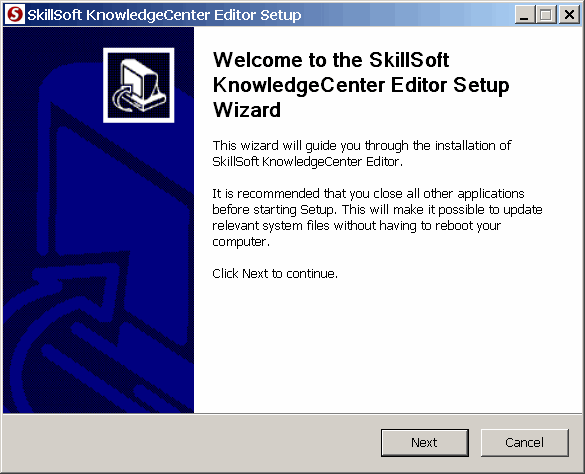
- Click Next.
- The license agreement screen displays and prompts you to accept the terms to continue.
-
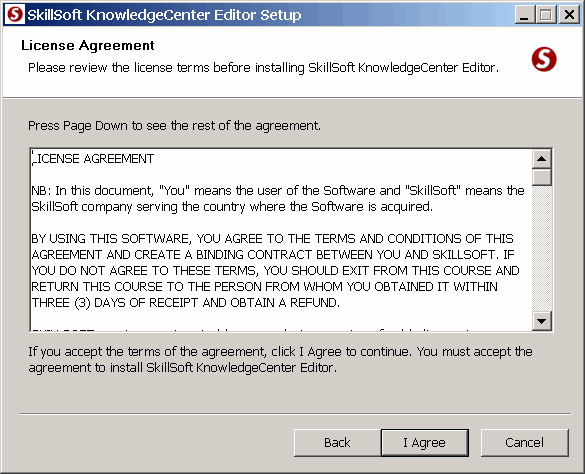
- Click I Agree.
- The Choose Install Location screen displays. By default, the system configures the location to the SkillSoft family of desktop applications.
-
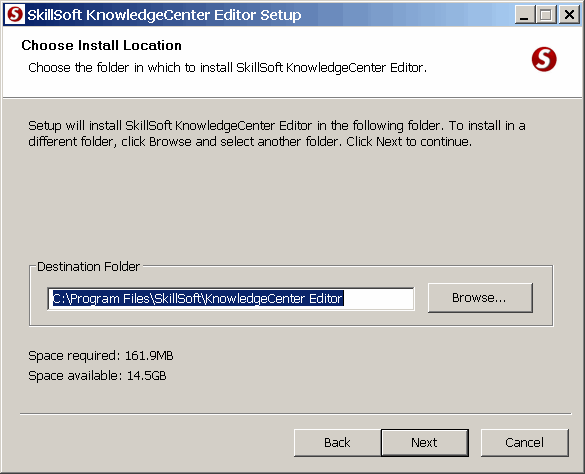
- Click Browse to change the Install Location (optional).
- Click Next.
- The Choose Start Menu Folder window displays.
-
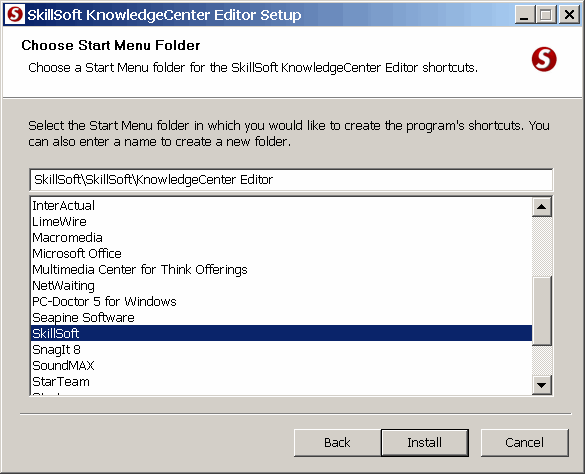
- Select the folder where you want the KnowledgeCenter Editor to reside.
- Click Install.
- The KnowledgeCenter Editor installs.
-
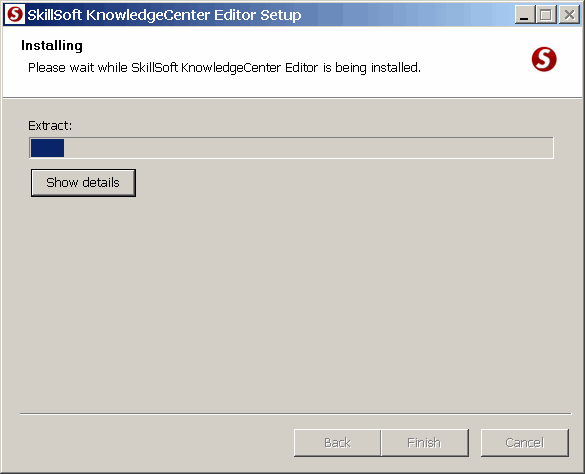
- Once the application installation completes, the Installation Complete screen displays:
-
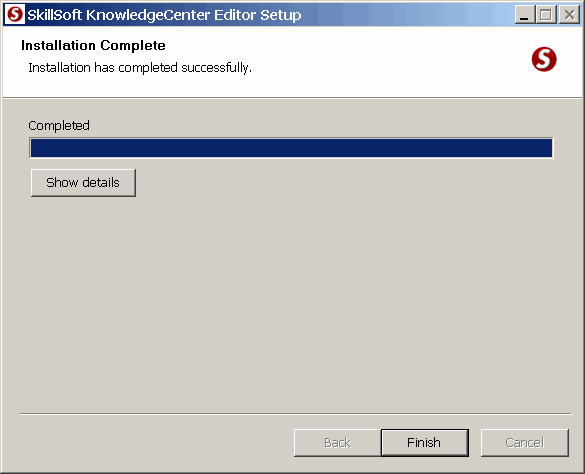
- Click Finish to exit the installer.
© 2015 Skillsoft Ireland Limited