Career Journey Emails
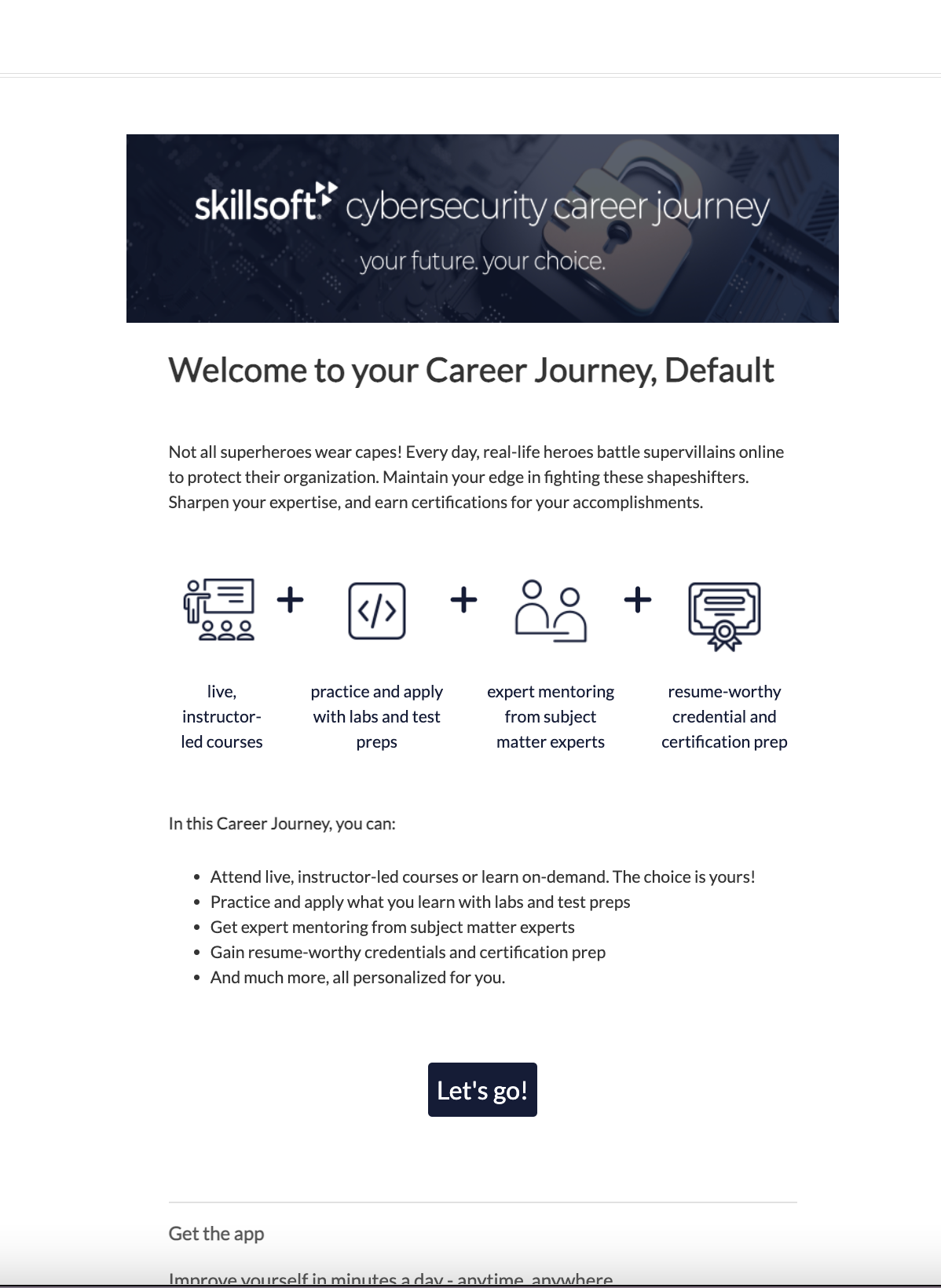
If you purchased Career Journeys as an add-on, you have the option to send an email to only the learners who can access them. This email notifies the learner about what a Career Journey is, how to access it, and how to get the most out of it.
When you associate an audience to a Career Journey license pool, learners within the audience are not automatically notified that they have access to the Career Journey. You can choose to notify them from Skillsoft Percipio Platform.
 Sample career journey email
You cannot customize this email.
To send a Career Journey email:
- From the left navigation, select Emails & Notifications > Email Campaigns > Default campaigns.
- From the Career Journey section, select the Career Journey from the list.
- Select which audience population to include in the email. You have two options:
- Limited eligible users: Select this option if you want to send an email to only those users who are new to the Career Journey or did not open a previous Career Journey email from at least 14 days prior. Users who received a Career Journey email within the last 14 days, do not receive this email.
- All eligible users: Select this option if you want to send an email to all users.
- Select Send Career Journeys email.