Journey Emails
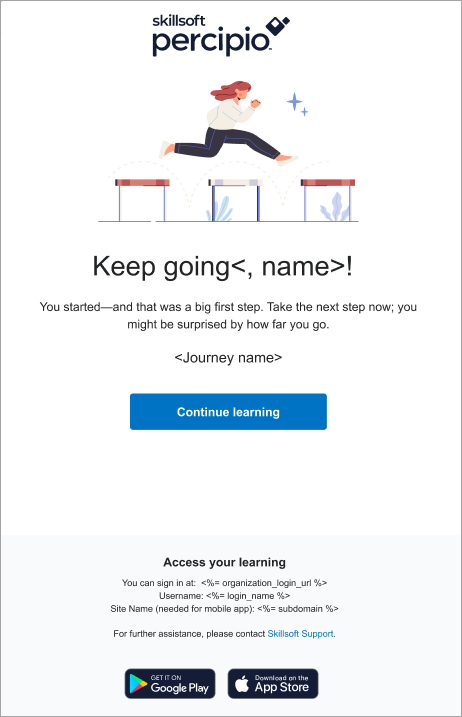
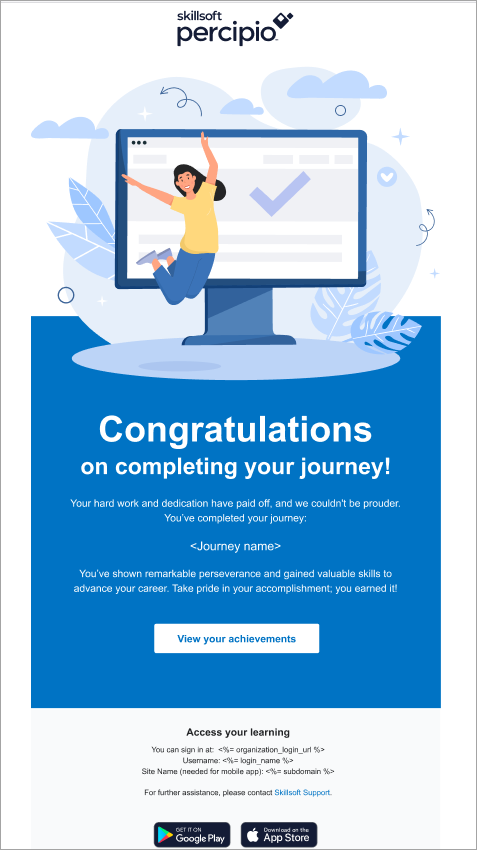
When learners start a journey, the platform can send them a reminder email if they have not accessed content within it after 15 days. Learners will continue to receive a series of an additional three emails at intervals of 30, 45, and 60 days from their last access. After 60 days of inactivity, the emails stop. This email encourages them to reengage and complete the journey. After a learner completes the journey, they receive a congratulations email.
Individual learners can opt out at any time. You cannot customize this email.
Turn the campaign on or off
The journey emails can be either on or off:
- (Default) On: The platform sends journey reminder and congratulatory emails to active learners.
- Off: The platform does not send journey reminder and congratulatory emails.
When this setting is turned on, learners can still opt out of these emails at any time via their Account Information page or from the Unsubscribe link at the bottom of each email.
If you want to ensure the journey email uses your brand, see Brand your email.
This email campaign is on by default. You can turn it on or off.
- From the left navigation bar, select Emails & Notifications.
- Select the Settings tab.
- Select Email campaign settings.
- Use the toggle switch to change the state. Make any adjustments to the settings if available.
 Journey reminder email template